

Miracle – App Information, APK Checks & Login Guide
Welcome to MiracleAPK.com, an independent information website for readers looking for Miracle app guidance. Here, you can learn what to check before downloading a Miracle APK, how Android installation works, and how to protect your account when accessing an app or website.
Finding the correct application matters. Before downloading anything, confirm the app’s full name, developer, and source. Apps with similar names may belong to different providers.
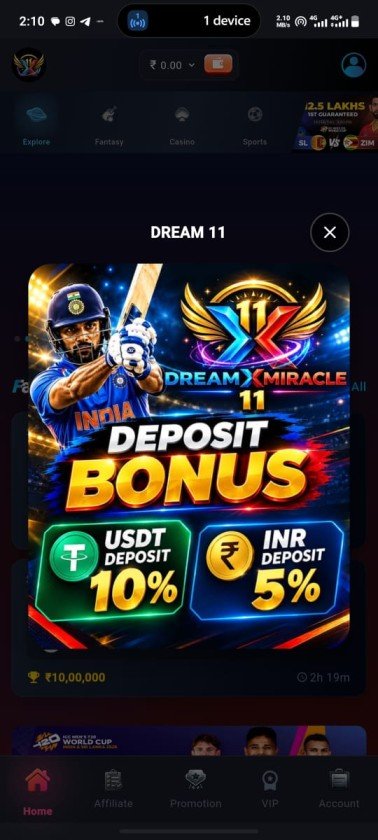
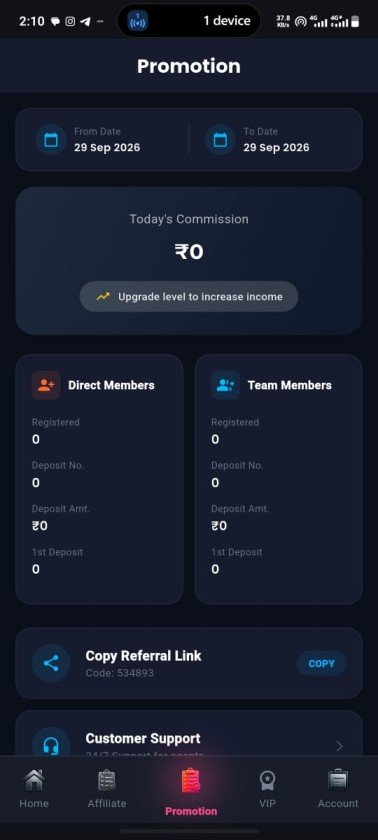
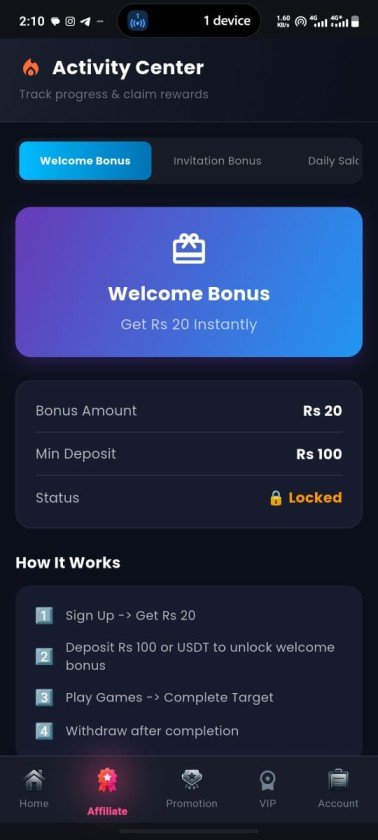
About Miracle App Information
If you are searching for the Miracleapp or Miracle-Game, start by identifying the provider behind the application. Review its published information, device requirements, privacy policy, and support details before creating an account.
MiracleAPK.com provides general guidance to help you make informed decisions. We do not operate the application, manage user accounts, process payments, or provide the app provider’s customer support.
Miracle APK Download Checklist
An APK is an installation file used by Android devices. Before downloading a Miracle APK, check the following:
Developer identity: Confirm who publishes the application.
Download source: Prefer a verified developer website or a recognised app store.
App details: Check the published version, update date, and Android requirements.
Permissions: Review whether requested access is relevant to the app’s functions.
Privacy information: Read how the provider handles personal data.
Support options: Look for clear contact details and account recovery instructions.
A familiar logo or an HTTPS connection alone does not prove that a download is trustworthy. If you cannot verify the source, avoid installing the file.
How to Install a Verified Miracle APK on Android
If the provider distributes its app as an APK, follow these general steps:
Confirm that your Android device meets the provider’s requirements.
Download the file from the verified source.
Open the downloaded APK and review the installation prompt.
If Android requests permission to install from that source, enable it only after checking the source.
Follow the on-screen instructions to complete installation.
Turn off the source’s installation permission after finishing.
Settings and installation steps may vary between Android devices. Keep device security protections enabled and do not bypass security warnings.
Device Compatibility
Before installing the Miracle app, check the minimum Android version, available storage, and any additional requirements listed by the provider.
An Android APK cannot be installed directly on an iPhone. For iOS access, check whether the provider offers a verified App Store listing or a supported website.
Miracle Login and Account Access
To access your account, use the provider’s verified app or website. Check the website address carefully before entering your details.
Enter your registered information and follow the available login instructions. If you forget your password, use the provider’s account recovery option.
Never share your password, OTP, or recovery codes. MiracleAPK.com does not need these details and cannot recover accounts on your behalf.
Troubleshooting Common Problems
Installation does not complete: Check available storage, device compatibility, and whether the download finished successfully. Avoid repeatedly installing files from unknown sources.
The app does not open: Restart your device and check for updates through the verified provider.
Login fails: Review your entered details and use the provider’s recovery or support options.
Record any error message before contacting support. Do not include passwords or OTPs in screenshots.
Frequently Asked Questions
Is MiracleAPK.com the official Miracle website?
No. MiracleAPK.com is an independent information resource and does not claim official affiliation with an app developer or operator.
Where should I download the Miracle app?
Use a verified developer source or recognised app store. Confirm the developer’s identity before downloading.
Is every Miracle APK safe?
No. A filename or logo cannot establish safety. Check the source, permissions, and developer information before installation.
Where can I find the latest version?
Check the verified provider’s release information. Version details should be confirmed before downloading or updating.
Can this website resolve account problems?
No. For account access, payment questions, or service issues, contact the application provider through its verified support channel.
Independent Website Notice
The information on MiracleAPK.com is provided for general guidance. App availability, requirements, and procedures may change. Confirm important details directly with the relevant provider before downloading, registering, or using an application.